Compounding Intelligence
The Self-evolving
AI Coding Infrastructure
MEGA Code is an AI coding infrastructure where AI agents evolve autonomously and developers never stop learning.
Get Started FreeYou shouldn't have to decide which skill to use, which workflow fits, or what someone else already solved. MEGA Code reads your task, selects the right skills, strategies, and trajectories, and assembles them — so every session starts with the best knowledge available, not a blank slate.
0
Expert Skills
Vetted, refined, and battle-tested
0
Atomic Sub-Skills
Decomposed behavioral units
0
Wisdom Edges
Cross-skill connections
Deployment Layers
MEGA Code is built in layers. Each layer compounds on top of the previous one.

Layer 1

Layer 2

Layer 3
Available Now
Coming Soon
Auto Skills & Strategies Generation
MEGA Code automatically captures high-signal logs from your sessions and converts them into reusable skills and strategies your agent reuses on every future run.
Eureka
VS Code extension that monitors every bash command Claude Code runs and transforms each one into a learning opportunity — contextual explanations for every command, learning cards at key moments, and session report cards with blind spots, concepts, and missions.
Wisdom Curation
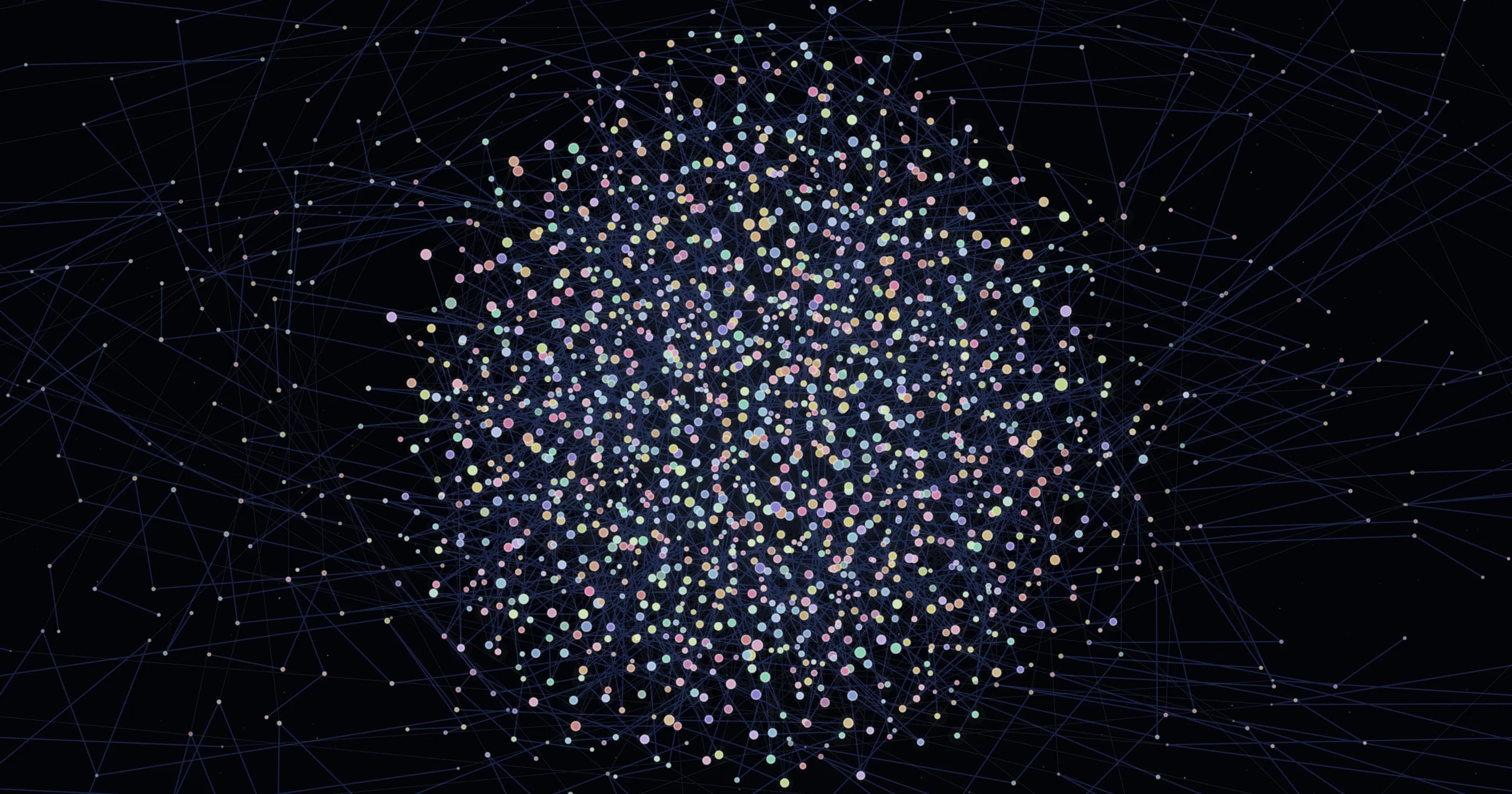
Decomposes skills into atomic sub-skills, networks them into a wisdom graph with 510K+ edges, and curates the optimal combination for every task.
Skill Enhancement
Benchmarks every skill against real tasks — measures performance gains and token savings, then automatically upgrades underperforming skills with optimized versions.
Offline Optimization
Turn intent into measurable metrics.
Compound Intelligence
Battle-tested Skills and Strategies forming compounding intelligence.
Layer 1
Available Now
Auto Skills & Strategies Generation
MEGA Code automatically captures high-signal logs from your sessions and converts them into reusable skills and strategies your agent reuses on every future run.
Eureka
VS Code extension that monitors every bash command Claude Code runs and transforms each one into a learning opportunity — contextual explanations for every command, learning cards at key moments, and session report cards with blind spots, concepts, and missions.
Layer 2
Available Now
Wisdom Curation
Decomposes skills into atomic sub-skills, networks them into a wisdom graph with 510K+ edges, and curates the optimal combination for every task.
Skill Enhancement
Benchmarks every skill against real tasks — measures performance gains and token savings, then automatically upgrades underperforming skills with optimized versions.
Layer 3
Coming Soon
Offline Optimization
Turn intent into measurable metrics.
Compound Intelligence
Battle-tested Skills and Strategies forming compounding intelligence.
Compatibility
Supported Coding Agents for plugin
Both currently support Layer 1 & 2.
Live
Coming Soon

Claude Code

Codex CLI

Gemini CLI

Antigravity
Supported Code Editors for extension
Live

VS Code
Antigravity

Cursor
Supported Coding Agents for plugin
Both currently support Layer 1 & 2.
Live
Claude Code
Codex CLI
Coming Soon
Gemini CLI
Antigravity
Supported Code Editors for extension
Live
VS Code
Antigravity
Cursor
Real-World Performance
Real work. Real results.
Measured head-to-head against 7 leading systems on tasks developers actually ship.
1/5
Token Usage
vs no-skill baseline
169K tokens vs 897K baseline
#1
Highest Score
against 7 competing systems
78% combined avg — 4 skills × 2 models
3×
Structural Quality
vs competitor average
16/16 score across 8 structural dimensions
01
Input Source
Auto-captures your real coding sessions. No prompt needed.
Requires a user-written task description to start.
02
Automation
Fully autonomous — zero-touch from capture to output.
Semi-automatic or interactive — needs human seed at every step.
03
Strategy Extraction
Produces both Skills and Strategies as distinct artifacts.
Produces task-specific skills only. No strategy abstraction.
04
Quality Control
LLM judging, multi-metric gating, threshold filtering, privacy masking.
Structural validation at best. Most have none documented.
Get Started in Minutes
Step 1
Install the plugin
In a Claude Code session, run:
Installing from Claude Code extension chat?
In your terminal, run:
Check whether Node.js is installed, and if not, visit https://nodejs.org/en/download to install it.
Step 2
Sign in
Step 3
Use feature workflows
wisdom-curate
wisdom-gen
skill-enhance
wisdom-curate
wisdom-gen
skill-enhance
wisdom-curate
wisdom-gen
skill-enhance


Free to Start
MEGA Code is currently free to use.
Core learning, exports, and Skills/Strategies capture are available in the current release.
FAQ
Does MEGA Code slow down my workflow?
No. It operates alongside your agent without interrupting execution.
Does my code leave my machine?
MEGA Code runs locally in your environment.
Which agents are supported today?
Claude Code is live. Others are coming soon.
Is this just chat history with formatting?
No. Chat history is raw. MEGA Code structures decisions, patterns, and workflows into reusable assets.
What is Eureka?
Eureka is the MEGA Code VS Code extension that monitors every bash command Claude Code runs and transforms each one into a learning opportunity. Every command gets a contextual "why" explanation, significant commands trigger learning cards with critical thinking questions, and at session end you get a report card covering blind spots, key concepts, and missions. It supports 23 languages and adapts to your skill level. Search "MEGA Code" in the VS Code Extensions marketplace to install it.


Where Agents Evolve
and Developers Grow


